 Contraxfinance
Contraxfinance compounding begins with a compatible vault deposit
Contraxfinance compounding starts with a supported vault deposit on Arbitrum One. The beta Vaults guide describes ETH zapping for almost all vaults, alongside supported token or liquidity-provider (LP) deposits. The deposit creates exposure to the selected vault’s assets, and rewards return to its vault token through automatic reinvestment. A funded wallet, sufficient ETH for gas and a compatible entry mode are the practical requirements for a first deposit.
Bottom line: A compatible deposit route determines which asset the vault accepts, and the deposited value shows the resulting vault position.
Wallet Access on Arbitrum One
Wallet access determines how transactions are authorized; the documented deposit environment is Arbitrum One. The beta setup offers social sign-in alongside MetaMask and other supported Web3 wallets.
Social Sign-In
Social sign-in creates a wallet when one does not already exist for that account. The setup shows its wallet address and Arbitrum One network after login. Signing in establishes access to that wallet; funding and depositing are separate actions. A successful login therefore does not demonstrate that any assets have entered a vault.
External Wallets
Network Selection
An external wallet needs the correct network selected for this documented flow. The MetaMask setup explicitly switches from Ethereum to Arbitrum One. The same address format does not make balances on different networks interchangeable, so check the wallet’s selected network before treating its balance as available deposit funding.
Transaction Confirmation
External Web3 wallets require manual transaction confirmations during the deposit flow. Read the requested action before approving it. A wallet prompt requests authorization; a recorded deposit shows that funds have entered the selected vault.
A First Deposit Through ETH Zapping
For an ETH-funded first deposit, begin with ETH in the connected Arbitrum One wallet and a vault that supports ETH zapping. The beta Quick-Start Earning guide specifies ETH entry for the ETH single-token vault and dual-token vaults; its route requires swapping ETH to the desired token before entering other single-token vaults. Compatibility comes before the amount: a listed vault and a funded wallet do not establish that every deposit mode accepts the same asset.
- Confirm the connected wallet and Arbitrum One balance belong to the funds intended for this deposit.
- Choose a vault that offers ETH entry, and keep its ETH zap mode selected.
- Check whether the amount field shows USD or tokens, and leave ETH available for gas.
- Select Deposit only when the vault, entry asset and amount match your intention; review any external-wallet confirmations.
- Finish this deposit when Deposited! appears and the selected vault shows a deposited position.
If the network or entry asset does not match, stop before authorizing the deposit. Once the first position appears, pause before adding funds or changing modes.
What Confirms That My First Deposit Reached the Vault?
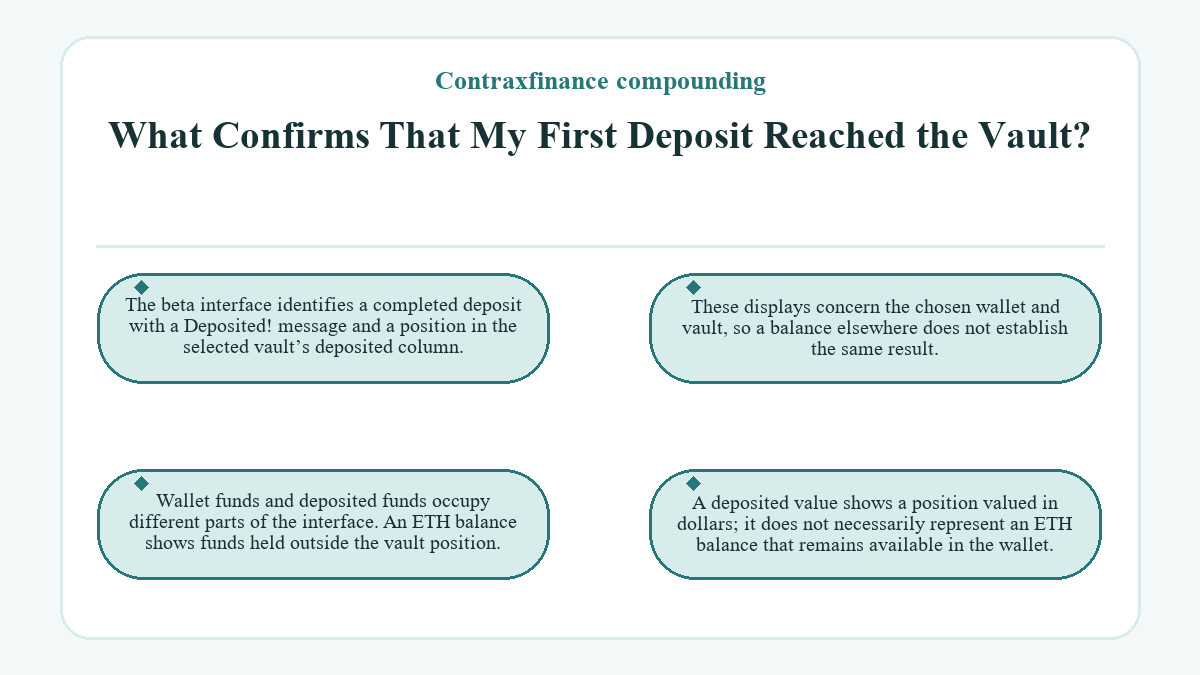
The beta interface identifies a completed deposit with a Deposited! message and a position in the selected vault’s deposited column. These displays concern the chosen wallet and vault, so a balance elsewhere does not establish the same result.
Wallet funds and deposited funds occupy different parts of the interface. An ETH balance shows funds held outside the vault position. A deposited value shows a position valued in dollars; it does not necessarily represent an ETH balance that remains available in the wallet.
The Holding Created by ETH Entry
ETH zapping changes the assets held when the destination vault uses a different token or a pair. An ETH entry into a dual-token vault creates exposure to the assets named by that vault. The input currency describes what funds the entry; the vault label describes the resulting holding. Those descriptions can differ without indicating that the deposit went to the wrong vault.
Single-token and dual-token vaults therefore need different asset checks before a first deposit. For a pair, read both token names. Choosing the deposit size does not remove exposure to either asset in that pair, and compounding continues within the selected position.
Amount Units and the ETH Reserve
The beta ETH deposit field can display a USD value or an actual token amount. Read that unit before entering a value, especially when comparing the field with the wallet balance. In the beta ETH flow, Max leaves some ETH behind for transfer gas. A displayed deposit amount and the ETH needed for transaction fees are different spending requirements; the same numerical entry would have different meanings under USD and token units.
Reinvestment Inside the Selected Position
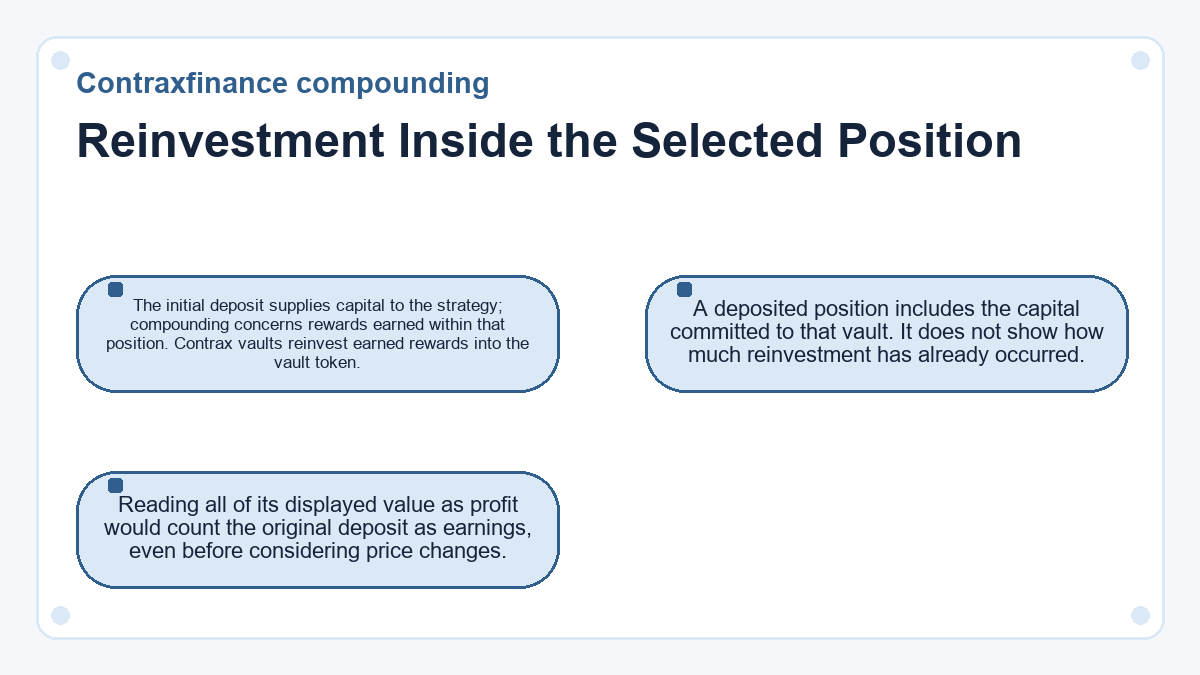
The initial deposit supplies capital to the strategy; compounding concerns rewards earned within that position. Contrax vaults reinvest earned rewards into the vault token. A deposited position includes the capital committed to that vault. It does not show how much reinvestment has already occurred. Reading all of its displayed value as profit would count the original deposit as earnings, even before considering price changes.
Does the Displayed APY Predict My Dollar Return?
The displayed APY estimates annual growth in token amount at the current reward rate, so it does not predict a fixed dollar return. APY means annual percentage yield. The rate can vary over time, while the dollar value of the vault’s assets also changes with their prices.
A first-session observation covers a much shorter period than an annualized rate. Comparing that immediate USD balance directly with the APY mixes a position value with a rate of token growth. Neither number, by itself, isolates the rewards earned since entry.
Keep the time period and units consistent when reading a change. Token growth and dollar gains can diverge because they measure different outcomes.
Direct Token Entry and LP Mode
Direct entry uses the supported single token or LP token rather than an ETH zap. LP means liquidity provider, and an LP token represents a liquidity-pool position. Compatibility depends on the exact asset accepted by the selected vault’s entry mode. Owning ETH does not establish compatibility with every direct-token mode. The asset toggle changes what the deposit supplies; the USD display toggle only changes how its amount appears. Treat those as separate controls when reading the first-deposit screen.
Withdrawal Assets Before Commitment
The available withdrawal asset depends on the vault and the selected withdrawal mode. The beta design supports ETH exits for almost all vaults through zapping, with direct token or LP handling also available where supported. An ETH entry route does not make every possible exit mode an ETH withdrawal.
LP mode concerns the pool token itself. It is not another way to write a dollar amount. If you withdraw LP tokens, the beta Vaults guide says you must deposit those tokens back through LP mode before withdrawing them as ETH.
Reading the First Position Details
More Details on the Earn interface separates staked and unstaked positions and also shows vault TVL and pool share. TVL means total value locked, describing the vault as a whole. Your displayed position concerns your own holding within that arrangement.
The dashboard offers a simpler view of joined vaults, including the staked position’s USD value and current APY. Those fields help identify which position the wallet holds. A vault-wide total and a personal stake answer different questions, even when both appear as dollar values.
Private Keys During a First Session
A first vault deposit does not require exporting the social wallet’s private key. The beta dashboard provides key export as a separate advanced option for taking that wallet outside the application. Keep the key private: revealing it is a different operation from approving a deposit through the wallet. The deposit flow concerns the selected asset and transaction confirmations, while key export exposes the credential that controls the wallet. Leave that export control unused when the task is simply a vault deposit.
Contraxfinance compounding questions worth asking
-
How Quickly Does the Beta Walkthrough Expect a Deposit Confirmation?
- The beta deposit walkthrough describes confirmation within a few seconds, with external-wallet transactions requiring manual confirmation. That is a walkthrough expectation, not a completion deadline. Judge a particular first deposit by its confirmation and recorded position; a short elapsed time alone does not prove that it succeeded or failed.
-
Which Balance Should a Newly Created Social Wallet Show Before Funding?
- The beta setup illustrates a newly created social wallet with 0 ETH on Arbitrum One. Creating the wallet does not fund it or establish a vault position. The wallet needs funds on the applicable network before an ETH-funded deposit can proceed, with ETH retained for transaction costs.
-
Does a First Deposit Secure a TRAX Airdrop Allocation?
- A first deposit did not establish a confirmed TRAX allocation under the beta-era proposal. The plan linked a proposed airdrop to beta users’ USD-denominated stake value at distribution, while leaving the tokenomics and airdrop design open. That proposal concerned a possible token distribution, separate from reward reinvestment inside the deposited vault position.
-
Where Can I Send Feedback About the first-deposit Interface?
- The team’s beta feedback instructions directed questions to an administrator on Discord. A question about the first-deposit interface can describe the selected vault, amount units and deposit mode. Never include a private key in that message; the visible details of a deposit do not require exposing the credential that controls the wallet.